I designed a context-aware AI system that helps data engineers know what to do next during investigation turning complex workflows into guided decision-making.
My role
UX Designer
Company
Actian – enterprise data platform
Timeline
June 2025 - Aug 2025 (12 Weeks)
Focus
Designing AI for Decision-Making in Complex Workflows
Collaboration
Design Director, Senior Designer, UI engineering Team, AI Team
OVERVIEW
AI existed. It just didn't help when it mattered.
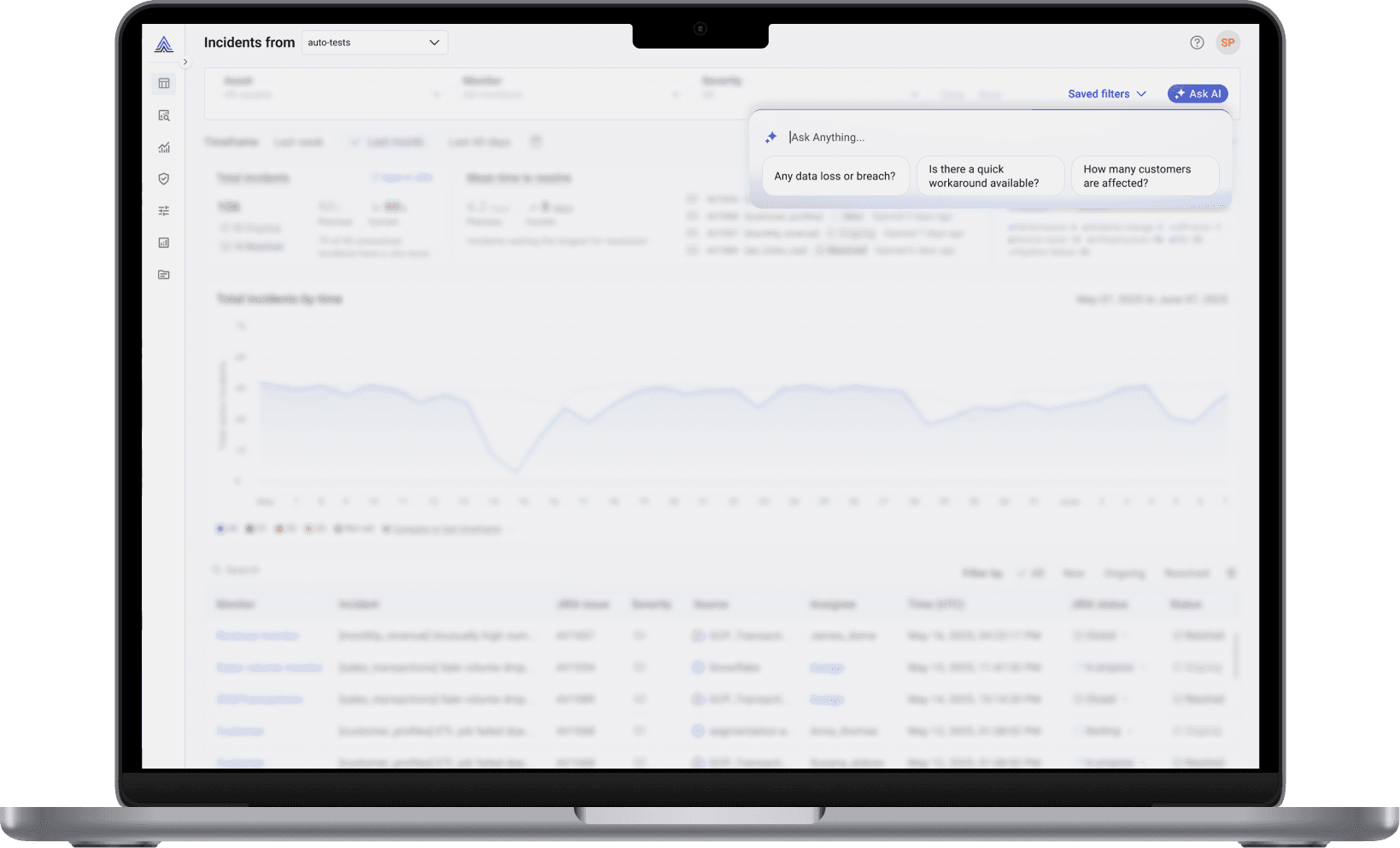
Outcome
Up to
PROBLEM
Users had data but didn't know what to do next.

Why it matter?
For User
More time spent guessing. Less confidence in decisions. Every manual step adds pressure and slows resolution.
For the product
Slower issue resolution means unreliable data reaching clients. For a platform built on trust, that is the worst outcome.
Design challenge
How might we bring AI into an existing investigation workflow without disrupting it so users always know what to do next?
Who We Designed For
Three roles, one shared frustration.
Primary : data engineer
They want to move from signal to decision quickly. Core need: "What should I do right now?"
By deeply understanding their goals, needs, and behaviors, we were able to uncover their pain points and translate them into actionable design opportunities.



Flip to see details
Research
What makes AI actually useful.
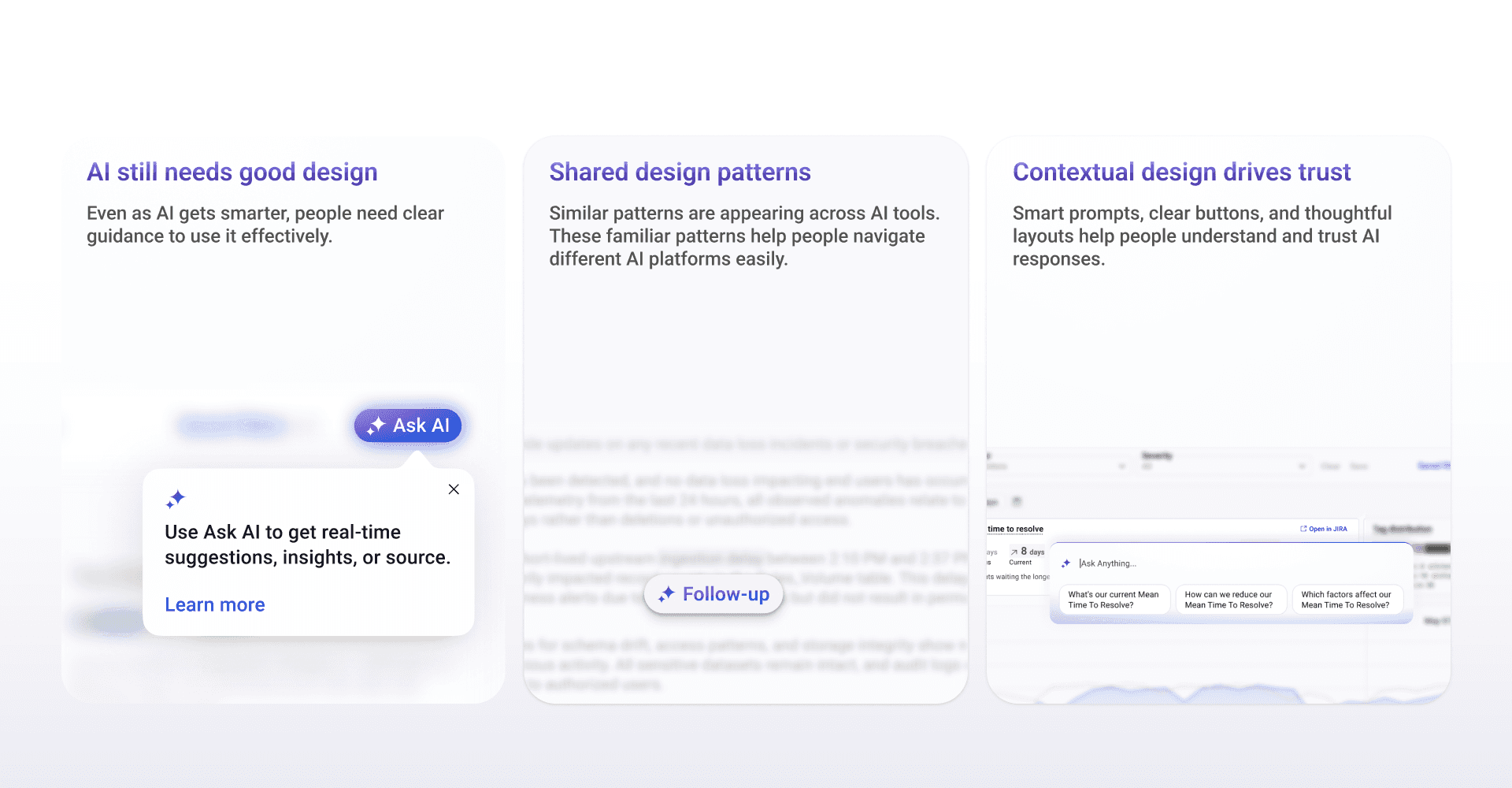
I reviewed 12 AI tools studying how users initiate AI, how systems respond, and what builds or breaks trust.
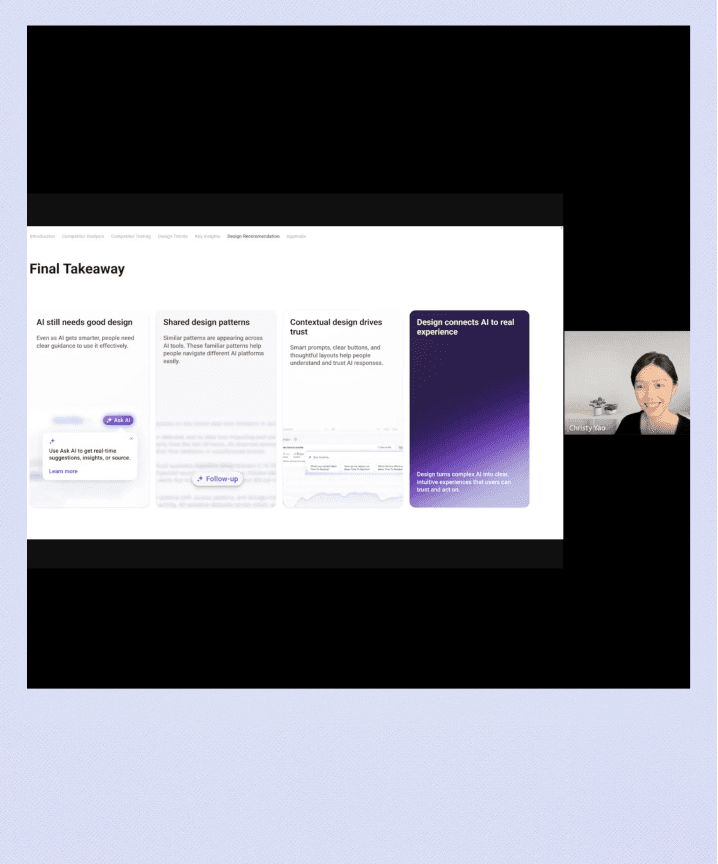
The platforms that felt most useful were not the most capable. They were the ones where AI responded to what users were already doing.
Reframe
Access wasn't the issue. Knowing what to do next was.
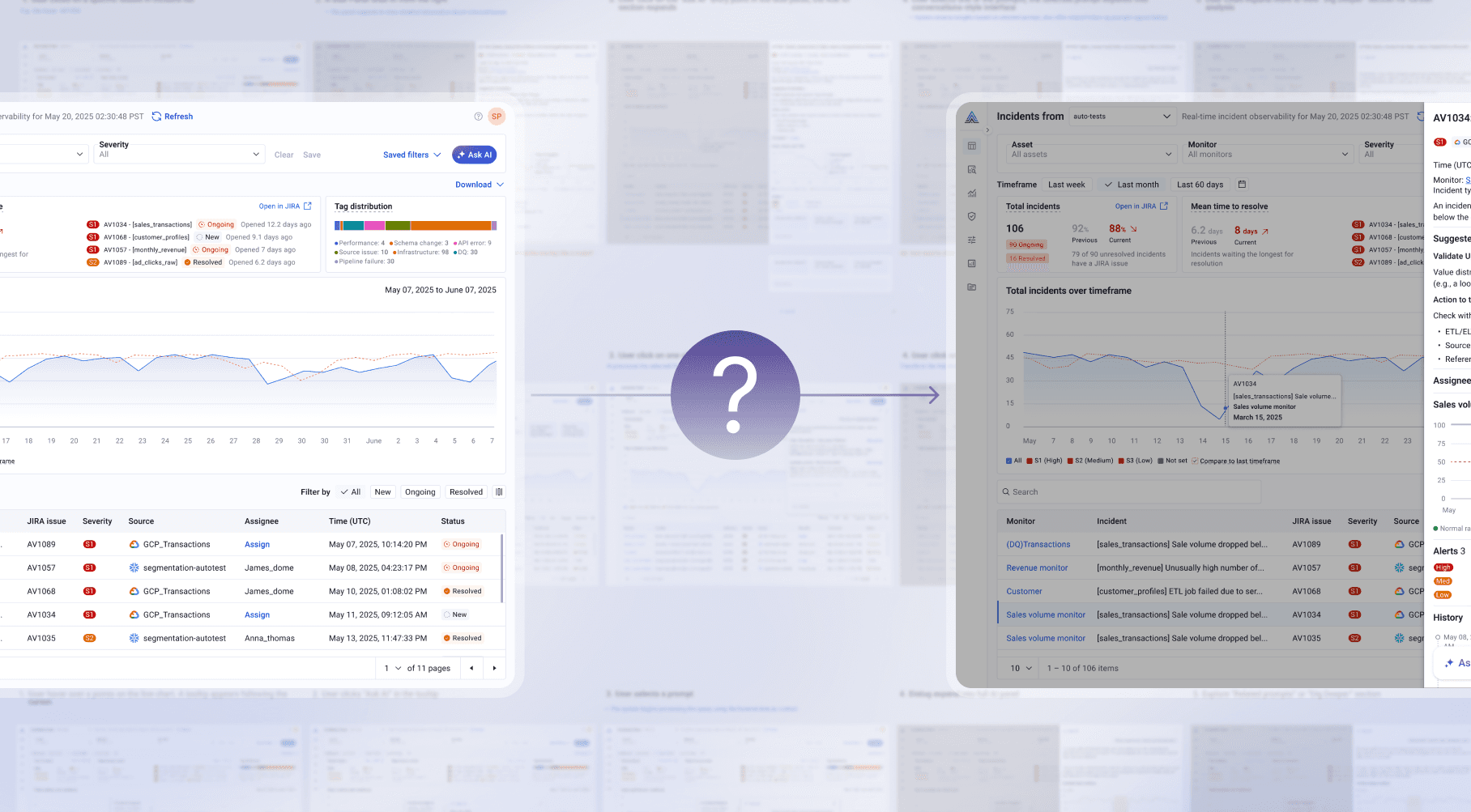
Old question
How do we make AI easier to find?
Real question
How do we help users know what to do next in the moment they need it?
Exploring Directions
Three directions. Only one kept the workflow intact.
I explored different ways AI could fit into the investigation workflow not just to make it visible, but to understand how it should participate.
Direction 01
Primary entry point
A lightweight AI popover triggered by a single button. Simple and consistent across the platform.
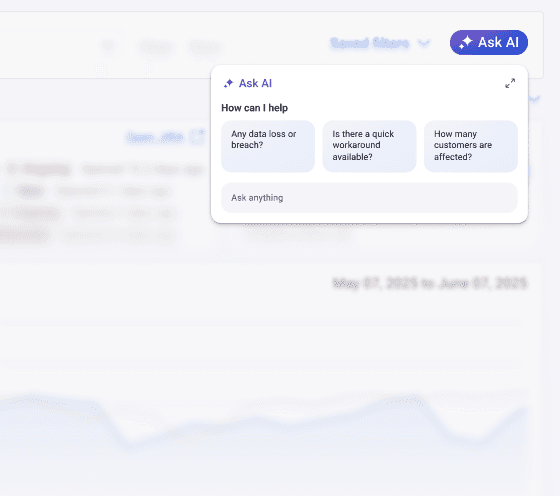
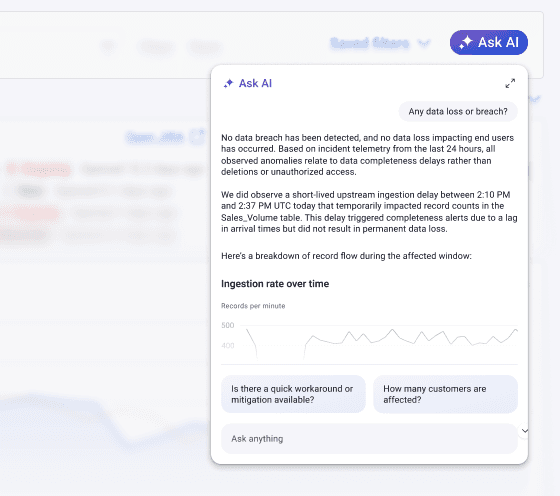
Tradeoff
Required users to initiate and know what to ask. During a live incident, that is exactly when they have the least mental space.
Direction 02
Dedicated workspace
A persistent side panel for structured interaction and deeper analysis.
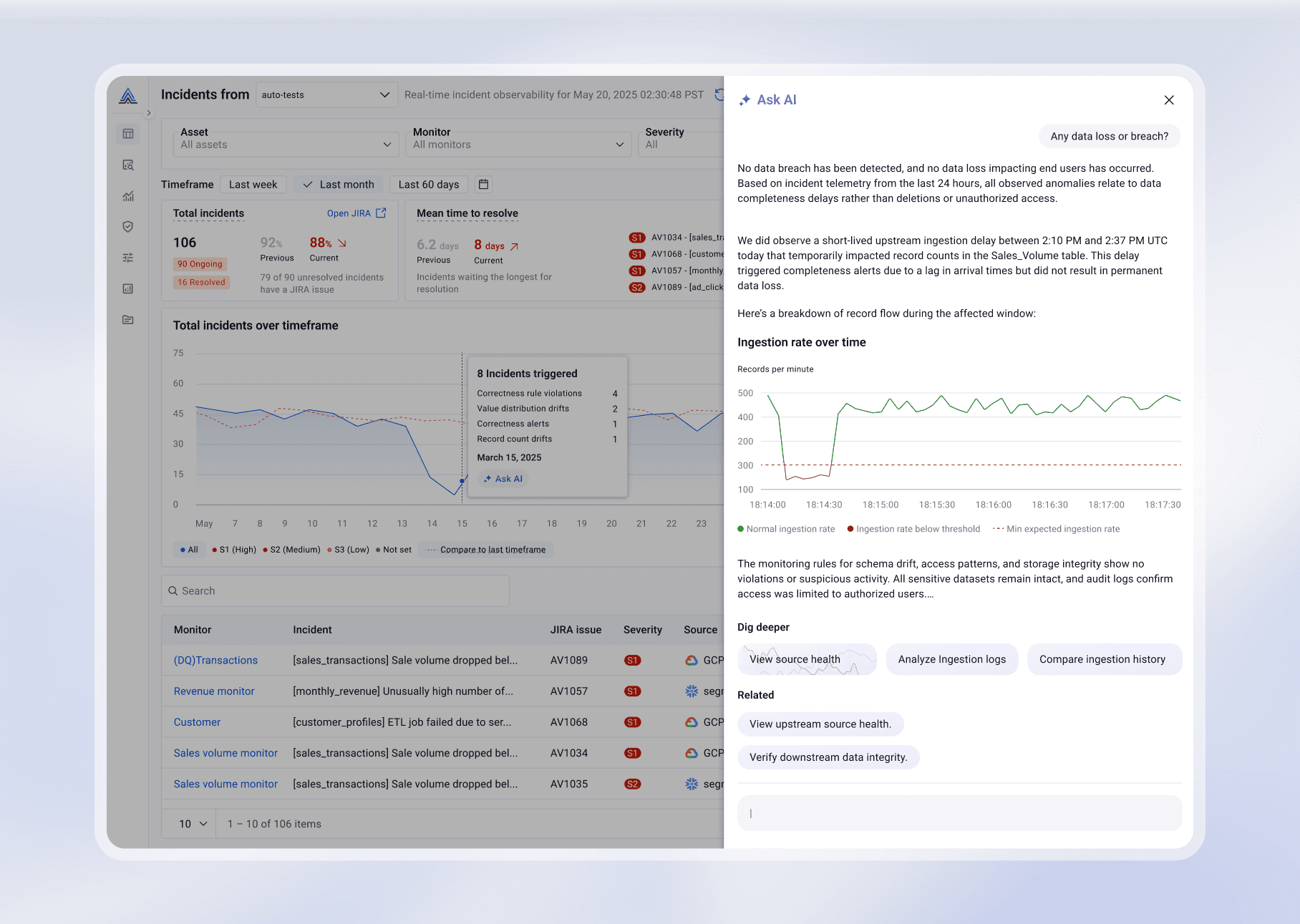
Tradeoff
More powerful, but pulls users away from the workflow.
Direction 03
Context-aware system
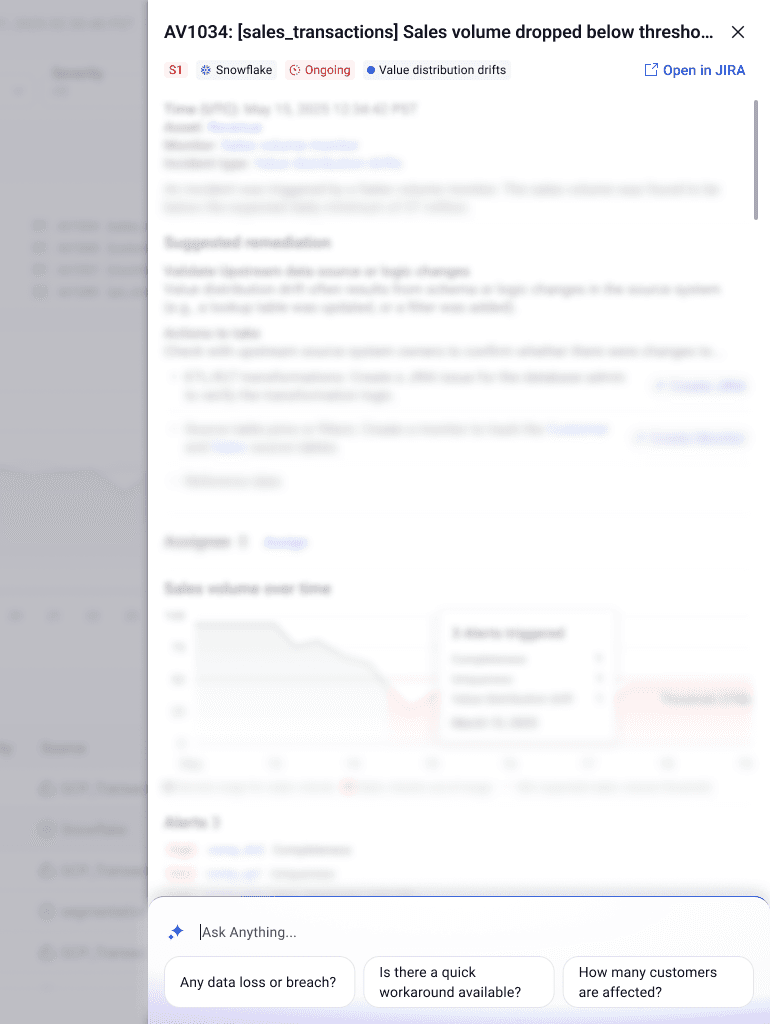
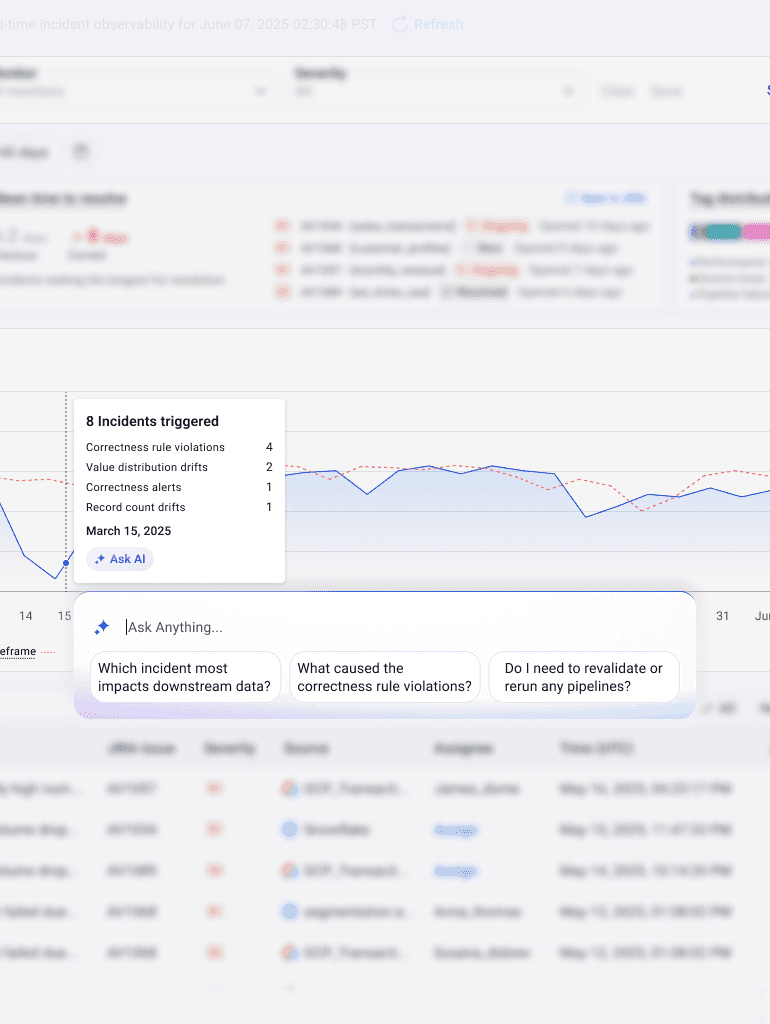
AI surfaces inline based on what the user is already viewing. Deeper interaction expands only when needed.
Why This Worked
More complex to design, but enabled guidance without interrupting the workflow. Because AI knew what the user was viewing, responses were relevant by default rather than generic by default.
Moving a button helps discoverability. It does not help someone who does not know what to ask. Only a context-aware system solves a guidance problem.
The solution
AI that moves with users.
Design focus
We focused on the moments where users get stuck. Not adding more information, but helping them move forward.
Design Details
Each feature supports one moment of uncertainty.
FEATURE 01
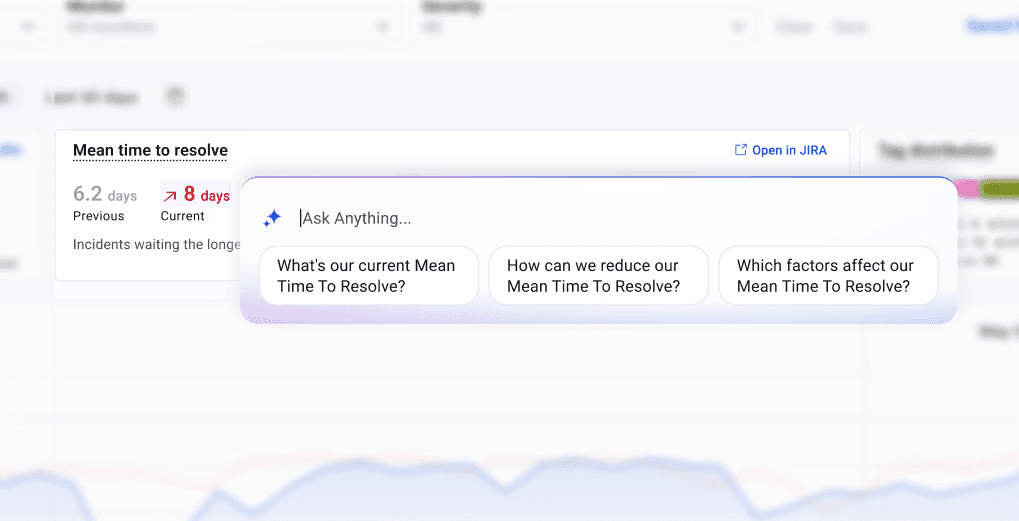
Contextual prompts
Users didn't know what to do next and had to rely entirely on their own experience to move forward.
Suggestions are tied to what users are viewing closing the gap between seeing and deciding.
FEATURE 02
Microinteractions and AI state feedback
Users didn’t know what the system was doing.
Subtle motion and state changes signal that AI is active, thinking, or ready. The goal was not delight but was clarity.
FEATURE 03
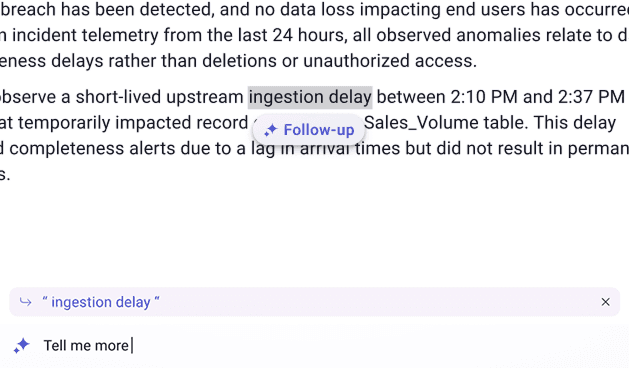
Follow-up interaction
Users had to restart their thinking.
Offers the next step after each response. Keeps the chain of reasoning moving forward.
FEATURE 04
Edit prompt
Users had to start over to refine.
Users can edit a prompt inline without resetting the conversation or losing the context they were working in
Delivery and Impact
From concept to scalable system.
The goal of delivery was not just to hand over screens. It was to communicate system behavior clearly enough that engineering could build it accurately and other designers could extend it confidently.
Main Impact
Qualitative impact
Teams described the experience as more intuitive and closer to how they actually think during investigation.
Estimated outcome
~25% faster onboarding. Clearer guidance means less time figuring out where to start.
Reflection
Designing AI is designing behavior.
Behavior matters more than visuals. Making something look better is not the same as making it work better. The real shift was asking how AI participates, not how it appears.
Context matters more than capability. The most useful AI is not the most powerful one, it is the one that responds to what the user is already doing.
Restraint is a feature. Knowing when AI should stay quiet matters as much as knowing when it should speak.